
Scheduling, Markets and Customer Targeting for Free Gift BOGO BXGY App
Scheduling
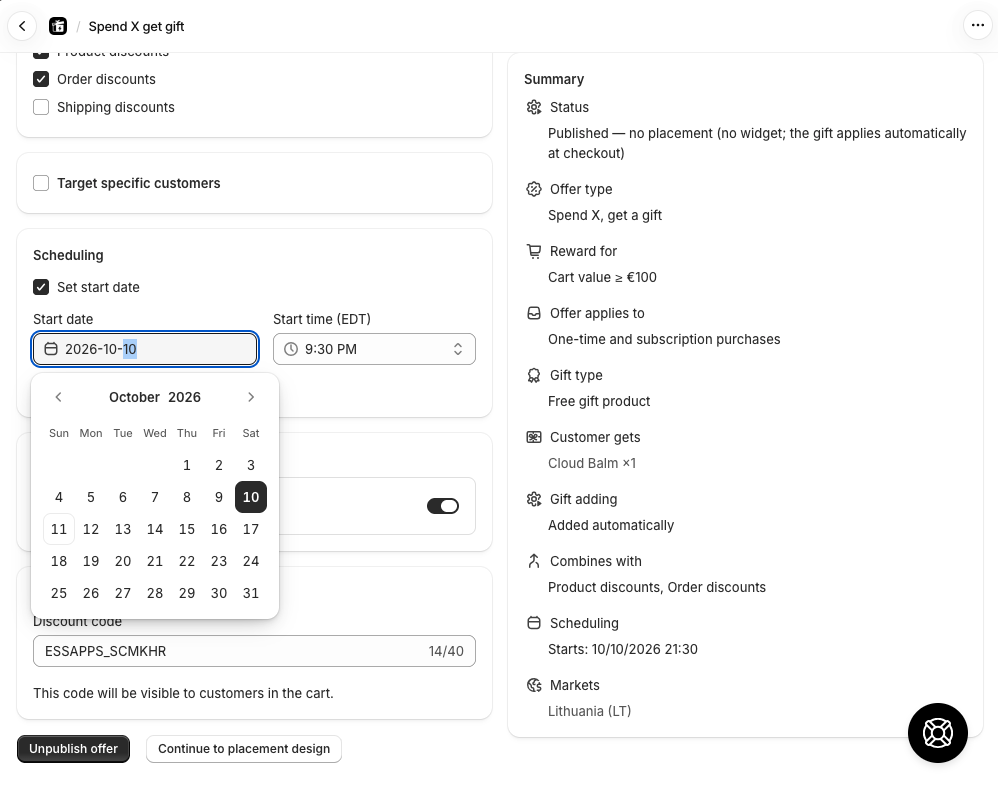
In the Settings tab, use the Scheduling section to control when an offer runs.
Start date — enable "Set start date" to choose when the offer activates. The offer remains inactive until that date and time, even if published.
End date — enable "Set end date" to automatically deactivate the offer after a specific date and time.
The dashboard status reflects scheduling:
| Status | Meaning |
|---|---|
| Active | Published and running right now |
| Scheduled | Published, but start date is still in the future |
| Expired | End date has passed |
| Deactivated | Manually unpublished |
Market Targeting
Control which Shopify Markets the offer applies to.
- All markets — the offer runs globally (default for BXGY and BOGO)
- Specific markets — choose individual markets from your store
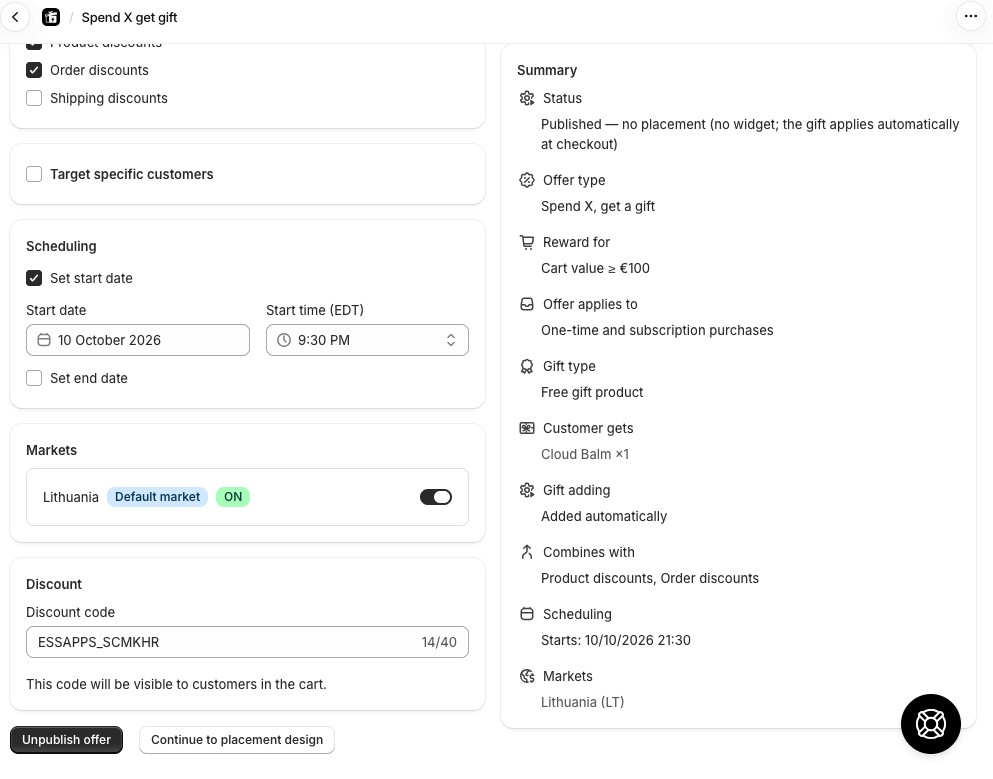
For Spend X Get Gift offers, each market can have its own minimum cart value. Set a market to "Custom" and enter the threshold in that market's currency.
For BXGD and Buy X get discount on whole cart offers, the same works for the discount itself: set a market to "Custom" to give it its own discount value (for fixed amounts, entered in that market's currency — no exchange-rate conversion is applied to custom values).
Discount Combinations
-
Product discounts
-
Order discounts
-
Shipping discounts
Customer Targeting
-
New customers only — customers who have never placed an order
- Returning customers — customers who have ordered at least once before
-
Tagged customers — only customers carrying at least one of the tags you list (e.g. `vip`, `wholesale`). Customers must be logged in to qualify.
-
Secret link — the offer only works for customers who open your store through a special link. Choose which page the link lands on (home, a collection, or a product) and copy the generated link to share in emails or with influencers.
New + returning can be enabled simultaneously to target all customers (same as leaving the toggle off).