
How to use Email Timer on the Shopify Email App
A countdown timer in emails is a powerful tool to boost sales by creating a sense of urgency and encouraging immediate action. It visually emphasizes limited-time offers or promotions, prompting recipients to make quicker purchasing decisions to avoid missing out.
In this article, we will go through steps on how to add the Essential Countdown Email Timer inside the Shopify Email app.
First of all, you should create an Email timer on our application Essential Countdown Timer Bar:
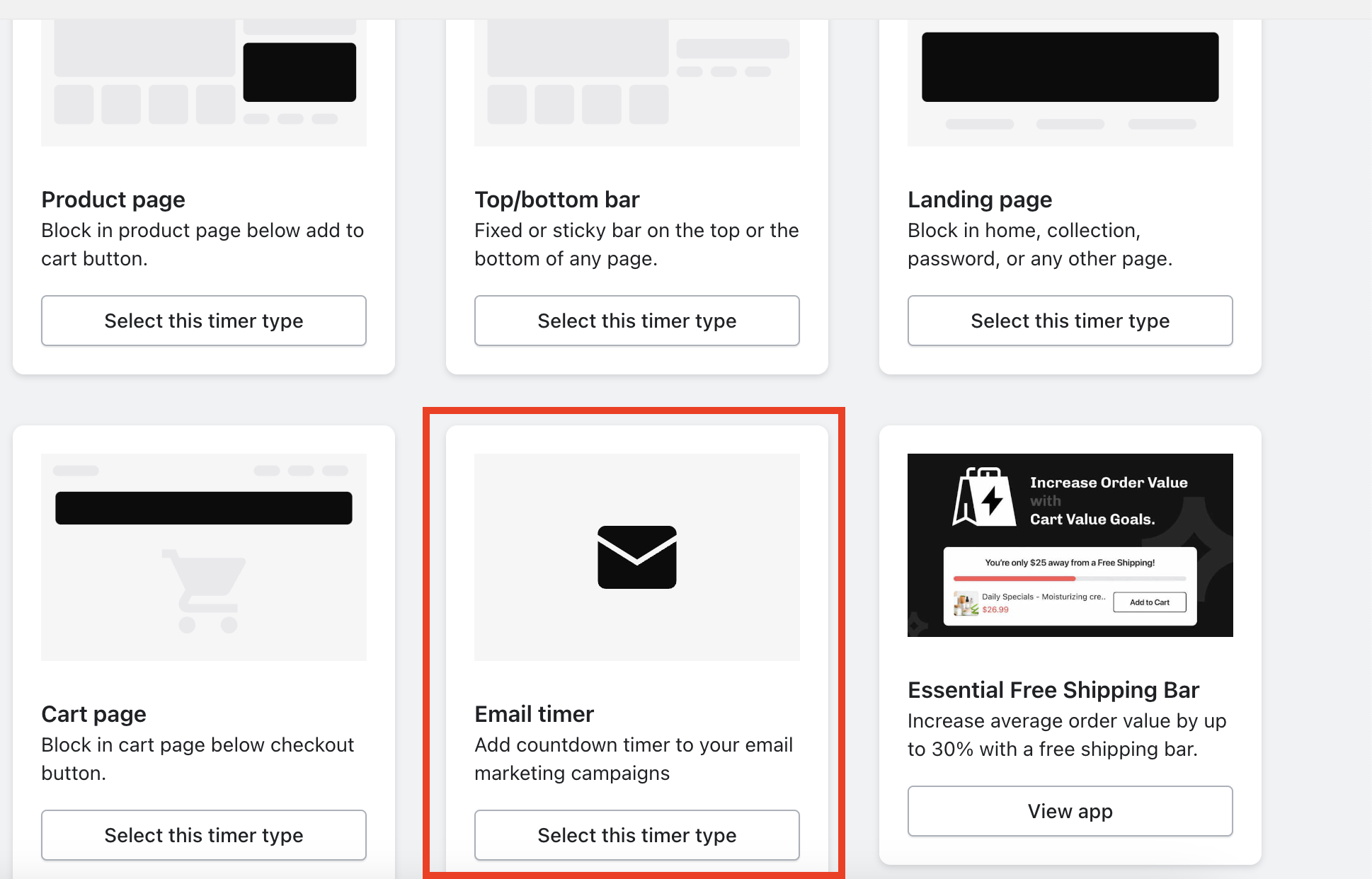
design it to suit your email template, and make sure that you publish it:
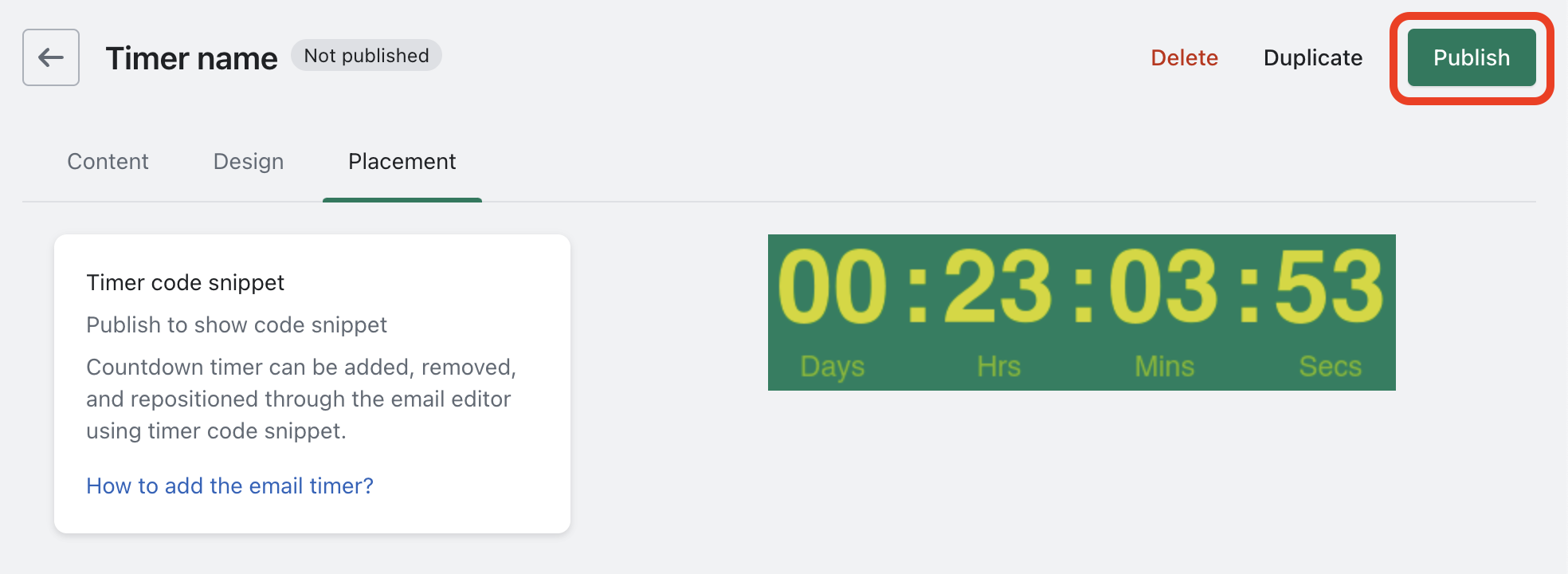
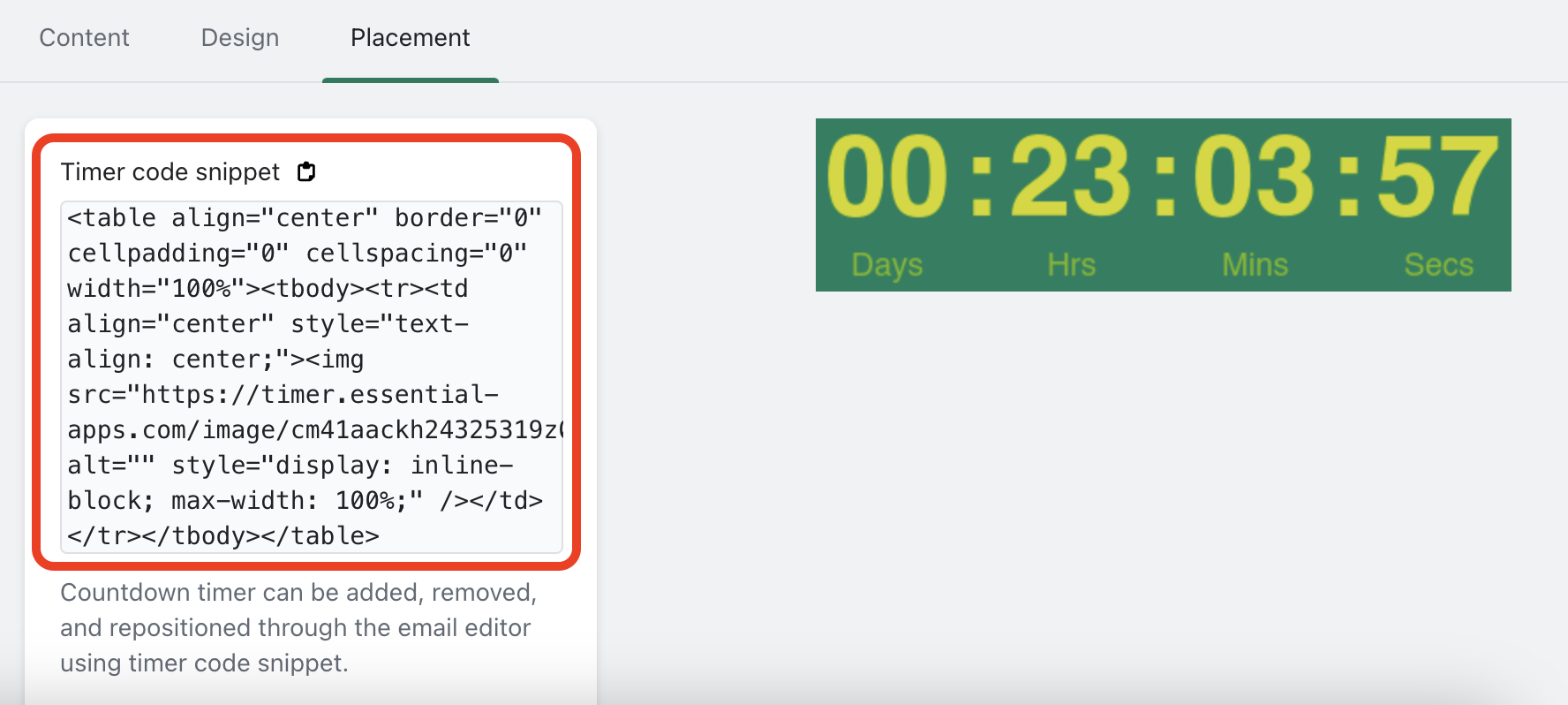
Once it is published, the snippet code will be generated, and you should copy the generated snippet code of the timer to the clipboard:
When you are working on the Email Campaign template on the Shopify Email app, simply press "add section" at the bottom right corner:

and choose Custom Liquid block:

Then go ahead and paste the timer Snippet inside of the Custom Liquid code block:

And that's it! The timer will be showing and working the way you set it up on our email timer builder!