
How to Cancel the Essential Estimated Delivery Date Subscription?
If you want to cancel your Essential Estimated Delivery Date subscription, there are a few ways to do that:
- Cancel it on the "Pricing plans" page:
- Open the Essential Estimated Delivery Date application.
-
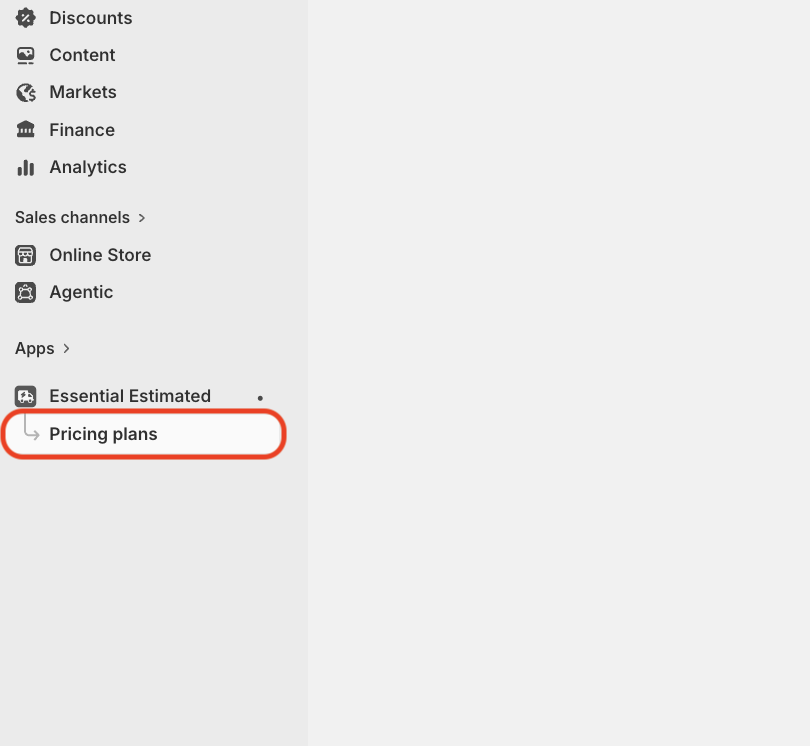
Choose "Pricing plans" from the left side menu
-
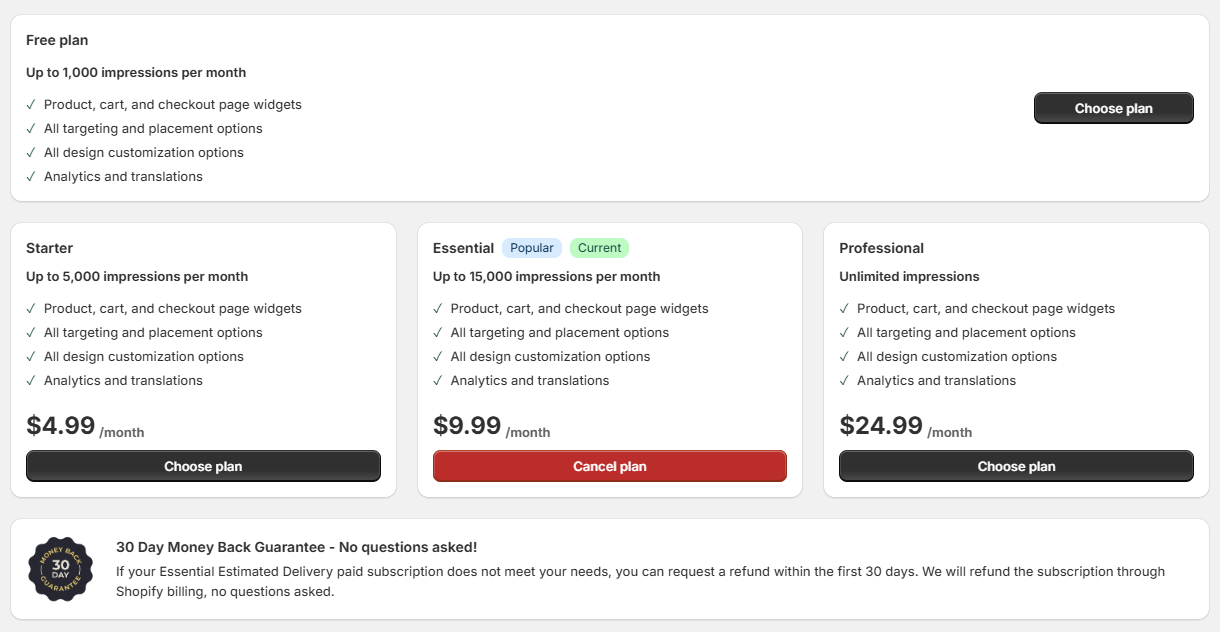
Click the red "Cancel subscription" button or switch to the Free plan.
2. If you don't plan on using the Essential Estimated Delivery Date application any longer, simply uninstall it, and your subscription will be automatically canceled.
📌 Good to know: Cancelling moves your store to the Free plan. Your widgets, designs and rules are not deleted, and all features stay available, because every plan includes every feature. Only your monthly view limit changes — if your store has already passed the Free plan limit of 1,000 views for the current cycle, your widgets will pause until your views reset.